Kivy touchscreen DRO & controller

Read positions. Drive the axis. All from one touchscreen.

drDRO is a full-screen Digital Read-Out and single-axis / rotary-table controller for the drDRO STM32 control board. Four scale inputs, electronic lead-screw & indexing, spindle sync, pattern plotting and on-device firmware updates — over a single RS-485 line.

Verified on Pi 3B & Pi 5 RS-485 line protocol Raspberry Pi · Linux · Win · macOS
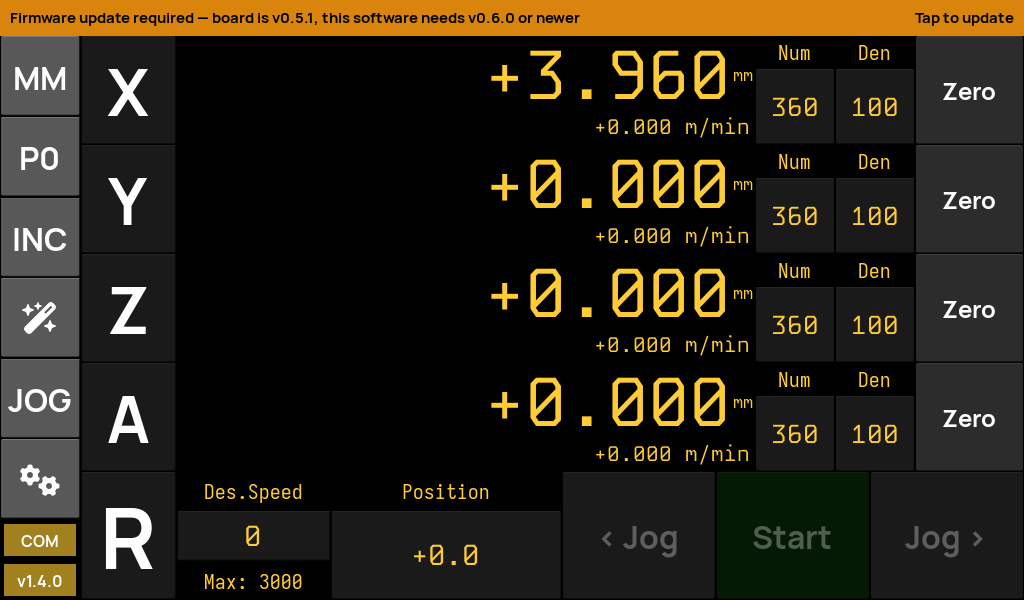
drDRO home screen in DRO mode showing four axis readouts
24
Screens
4
Scale inputs
4
Operating modes
1
RS-485 wire
What it is

A complete DRO experience, purpose-built for the drDRO board

drDRO is the successor to rotary-controller-python — the same touchscreen UI, re-plumbed to speak the drDRO firmware's custom RS-485 line protocol, with board-stored settings and firmware updates driven over the very same bus.

Live digital read-out

Four hardware scale inputs, big amber seven-segment displays, per-axis feed-rate, metric / imperial / angle formats, and per-axis zero & offset.

Motion control

Drive the servo/stepper axis: jog, indexed moves, electronic lead-screw threading & power-feed, and spindle-synchronised motion with configurable gear ratios.

Firmware over the bus

Flash the STM32 board's firmware straight from the UI over RS-485 (YMODEM), pick the boot bank, and roll back — no ST-Link, no cables to swap.

Pattern calculators

Circle, line and rectangular hole patterns computed and drawn on an interactive pan/zoom plot, with distance-to-go overlays.

Board-stored settings

Servo speed, acceleration and calibration live in the board's flash — read on connect, saved on change. Machine profiles snapshot everything to swap setups.

Appliance image

A ready-to-flash Arch Linux ARM image boots straight to the app, full-screen, silent, touch-ready — with an in-field self-updater for both app and firmware.
The pieces

Three repositories, one machine

drdro-software-f4

This app

The Kivy touchscreen UI. Runs on the Pi appliance, or on any desktop for development. Talks to the board over one serial port.

See what it does →
drdro-firmware-f4

The board firmware

STM32F411 firmware: RS-485 line protocol, dual-bank IAP bootloader, persistent flash settings. Updatable from the app.

Firmware repo ↗
drdro-arch

The SD-card image

A purpose-built Arch Linux ARM appliance that boots straight into drDRO. One image covers the Pi 3 / 4 / 5 family.

Flash it →
Operating modes

Switch modes with a tap

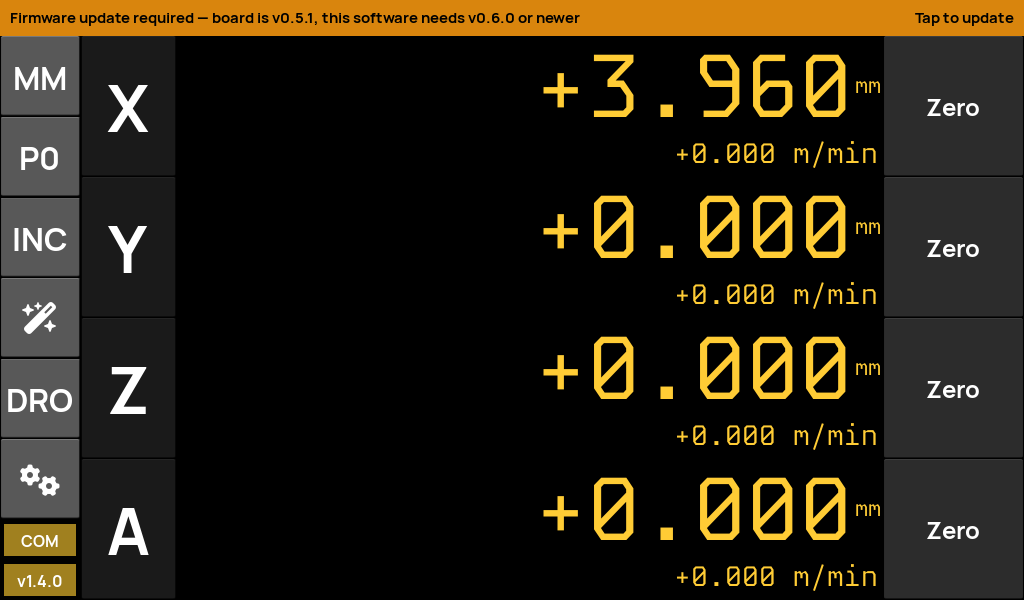
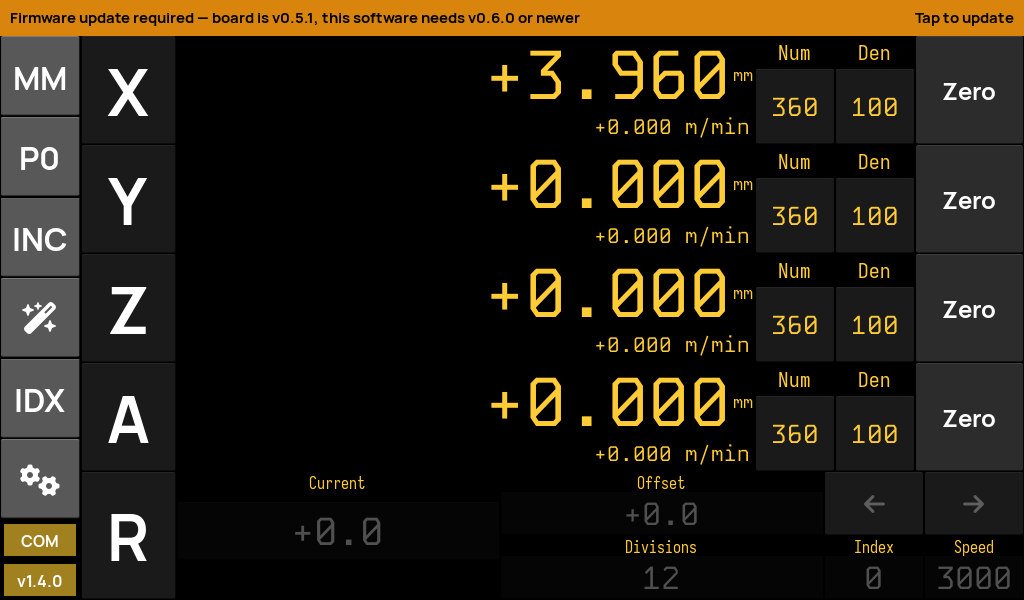
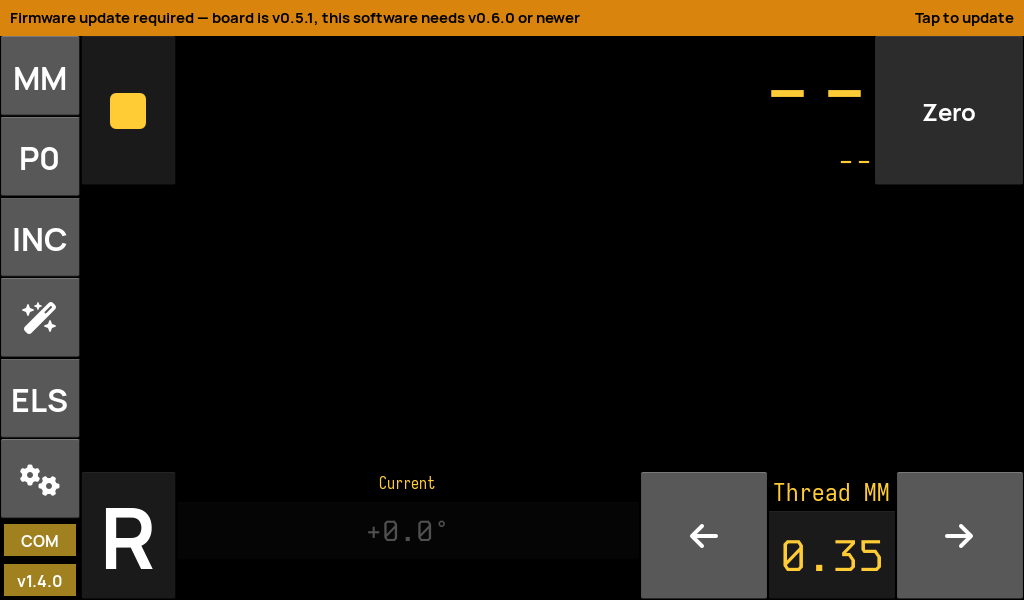
The mode button on the home bar cycles between the four workflows. Each reshapes the bottom control strip for the job at hand.


See it in action

Watch drDRO on real machines

Demos from the creator and builds from the machining community — threading, gear cutting, dividing heads and more.

DR.DRO Gets ELS Mode!

Stefano BertelliYouTube ↗

Gear Hobbing & Cutting with DRDRO

Stefano BertelliYouTube ↗

Roll Your Own DRO / ELS

RotarySMPYouTube ↗

Tested hardware

Runs on the Raspberry Pi you already have

The appliance image is built from a single Arch Linux ARM rootfs that covers the whole Pi 3 / 4 / 5 family. It's been hardware-validated end-to-end on real boards.

  • Raspberry Pi 3B — fully verified: boot, touch, hardware GL, RS-485, Wi-Fi.
  • Raspberry Pi 5 — fully verified (needs a 1024×600 USB touch panel; see notes).
  • Raspberry Pi 4 — same image family; final board sign-off pending.
Full compatibility & flashing →
BoardStatusNotes
Pi 3B / 3B+✓ VerifiedReference bench board
Pi 5✓ Verifiedusb_max_current_enable
Pi 4 / 400 / CM4● ExpectedSame kernel & dtbs
Pi Zero 2 WUntestedaarch64, may work
Get going

From SD card to running DRO in minutes

Download the latest image, flash it with Raspberry Pi Imager, plug in the board, and boot.